
The Operator
The daily CLI: build, test, run
Drive Bazel from the command line: build, test, run, inspect state, and turn command output into the next useful action.
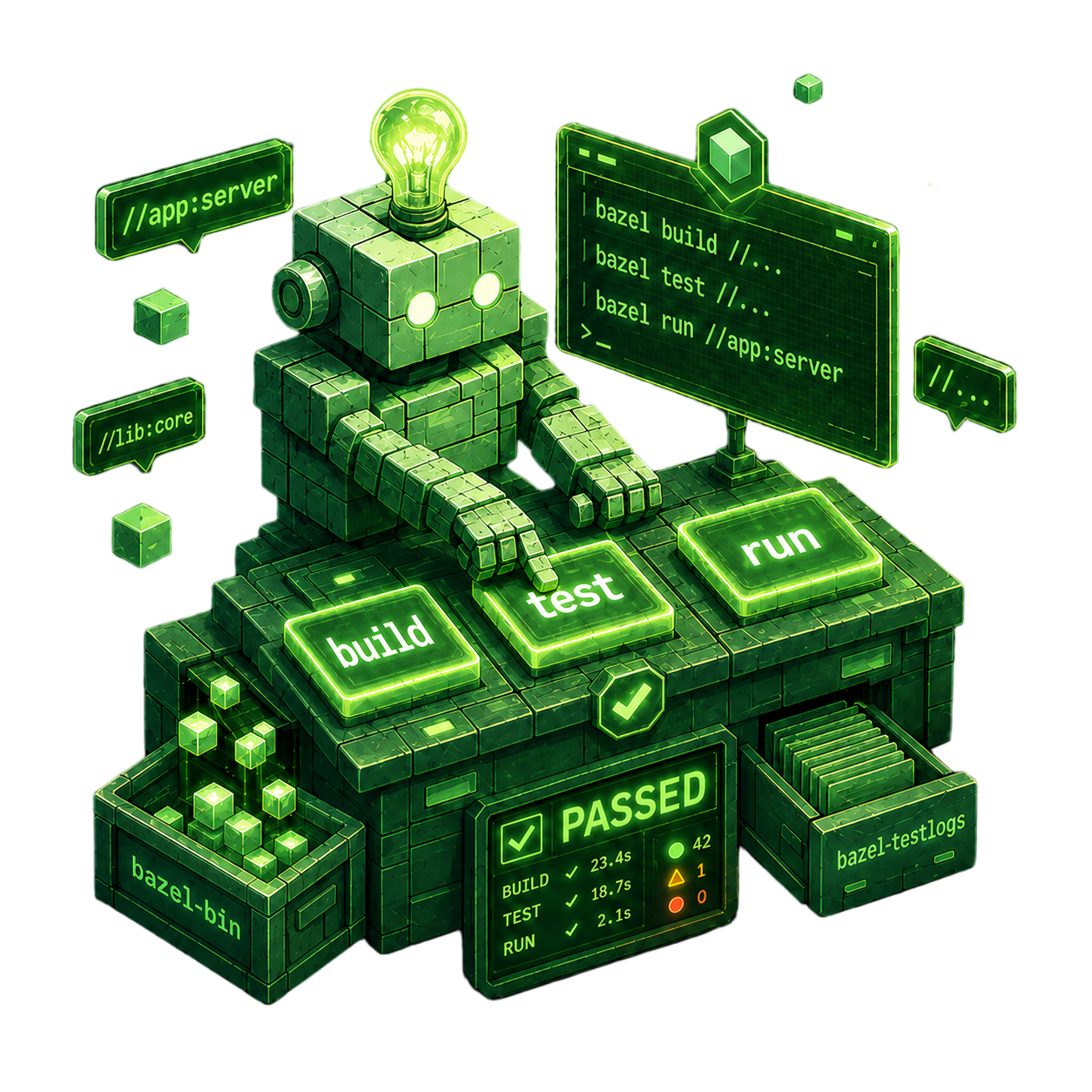
Level 1 turns Bazel into something you can drive every day. The goal is not to memorize flags. It is to understand the kind of request you are making, the state Bazel is reusing, and what the result is telling you.
Turn Commands Into Observable Outcomes
1.1 CLI Survival Kit starts with the common verbs, but treats them as different outcomes:
build produces artifacts, test runs test targets under Bazel's test
contract, and run launches one runnable target. Around those verbs sit the
pieces that make the daily loop predictable: the long-lived server, bazel info, output locations, clean, graph preview, fetch behavior, exit codes, and
first-pass error classification.
1.2 Testing Strategy applies the same operator model to tests. A Bazel test is not just a command that happened to run. It is a target with metadata, cacheable results, selection rules, execution budgets, logs, coverage artifacts, and sometimes a separate accept/update workflow for golden files.
Together, these sections give the first practical loop: choose the right target or target set, let Bazel reuse the state it can trust, and classify surprises before editing files or adding flags.
Start From The Requested Outcome
Start with 1.1 CLI Survival Kit if Bazel is becoming part of your terminal routine. Move to 1.2 Testing Strategy as soon as your workflow includes multiple tests, cached results, tags, logs, or CI-visible failures.
The operator loop starts by choosing the command for an artifact, test, runnable target, or inspection task. Server state, output locations, logs, and exit codes then provide evidence for the result, while each test remains a target with an execution contract.
Next: explain what Bazel does with that request across the graph, phases, cache, and execution strategies in 2.1 Directed Acyclic Graph (DAG).
